
Want to root your Samsung Galaxy Tab A7 tablet? Follow these steps.
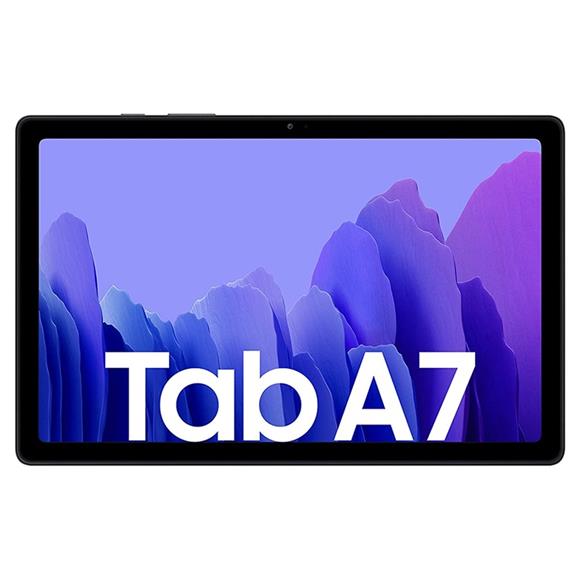
Want to root your Samsung Galaxy Tab A7 tablet? Follow these steps.
Samsung Galaxy Tab S5e is no longer officially supported but you can install Android 11 OS on your android tablet, atleast unofficially. This will also increase the performance dramatically. Team behind Lineage is behind this endeavor.
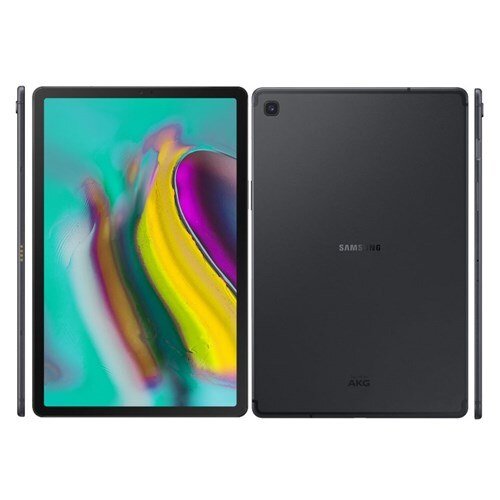
We use our tablets in a variety of positions and if you watch a lot of movies and media content on your Samsung Galaxy Tab, you ought to look at this highly portable tablet stand. Capable of holding any tablet with 4 inch – 14 inch screen, it is great for home, classroom, airplane, video conferences, office, kitchen and so on.

Continue reading Portable Adjustable Tablet Fold Stand for Galaxy Tab and other tablets
If you are searching for a mobile or a tablet, you will look at some popular online stores for these fantastic gadgets. If you have been using Paytm for mobile recharges, you will be aghast to see that Paytm is also offering a wide range of products. If you look at the tablets section of Paytm, you will find that Samsung tablets are the most sought after tablets. These tablets are really fantastic and offer real good value for the money.

Folks at xdadevelopers have churned out Weta ROM for the Samsung Galaxy Tab S6 android tablet. This ROM features underclocking and overclocking built in.

Continue reading Overclock underclock Galaxy Tab S6 using Weta ROM
Looking to root Samsung Galaxy Tab S6 android tablet to take full advantage of it? Well, we have the rooting guide ready that lets you root Tab S6 in no time.

Continue reading Root Galaxy Tab S6 – Rooting guide for Samsung Tab S6 SM-t860

Samsung Galaxy Tab E is finally getting the Android Nougat 7.1.2 treatment. Unfortunately, this is not the official update but brought to you by the kind folks at xda developers.
Continue reading Download Android Nougat 7.1.2 for Galaxy Tab E T-560 T-561
TWRP is available for the Samsung Galaxy Tab S6. This will allow you to install and flash custom or third party ROMs / firmwares.

Continue reading Galaxy Tab S6 TWRP Download – TWRP 3.3.1 for Samsung Tab 6

Samsung new user interface is pretty slick but it still comes with features that you may not need. You can install a custom vanilla Galaxy Tab S5e ROM and enjoy plain google android experience.
Continue reading Galaxy Tab S5e Vanilla ROM – Resurrection Remix for Samsung Tab S5e

Samsung might have stopped churning out updates for the Galaxy Tab E but XDA developers is still busy developing for this relatively new android tablet. If you are looking for AOSP ROM for Samsung Galaxy Tab E, something that is vanilla and comes debloated, this is the ROM you should install on your tablet.
Continue reading AOSP ROM for Galaxy Tab E – Vanilla Samsung Galaxy Tab E SM-T560NU
Did you know that you could debloat or get rid of all the junk applications that come pre installed on the Samsung Galaxy Tab S5e tablet? You can do all that without actually rooting Tab S5e. This guide is written for the Wi-Fi only variant though which goes by T720.

Continue reading Debloat Galaxy Tab S5e without root (only for Wi-Fi variant)
Custom kernel helps unlocking extra and hidden functionality on your Samsung Galaxy Tab S5e android tablet. To install this custom kernel on your Tab S5e, you will have to boot into TWRP custom recovery (power + vol up).


This guide will help you root Samsung Galaxy Tab S5e, which bears model number SM-T720. To root Tab S5e, you will need a windows laptop with more than 25GB of free space. You would also require the original Samsung USB Type-C cable and we prefer using the one that came in the box.
Continue reading Root Galaxy Tab S5e–how to root SM-T720 Samsung Tab S5e
Looking for the official download link for the 4G LTE T377AUCU3BRD1 variant of the Samsung Galaxy Tab E tablet? This tutorial is great for those as well who are stuck at 3G HSDPA speeds and 4G LTE speeds are not coming back.

If you are looking to flash a new ROM or some mod on your Samsung galaxy Tab E, model number SM-T377P / SM-T560NU, you will have to install TWRP on it. So what is TWRP? It is a custom recovery that opens gates for installing third party firmware. Just keep in mind that after installing TWRP on your Galaxy Tab E tablet, you will no longer be able to avail warranty on it.
