Rooting gives you super user privileges and we now have full step by step instructions on how to root both WiFi and 4G variants of Samsung Galaxy A7 Lite.
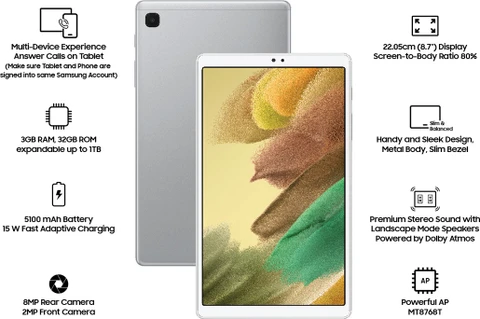
Rooting gives you super user privileges and we now have full step by step instructions on how to root both WiFi and 4G variants of Samsung Galaxy A7 Lite.
If you dislike Samsung One UI, you can install something like AOSP ROM on your Tab A7 Lite that will do away with all Samsung stuff and give you plain Jane Google android experience.

Samsung Galaxy Tab A7 Lite is an amazing tablet but you can unlock further features by installing custom recovery with most popular one being the TWRP. This one has full touchscreen support, so you would not have to use volume buttons for selecting stuff on the screen.
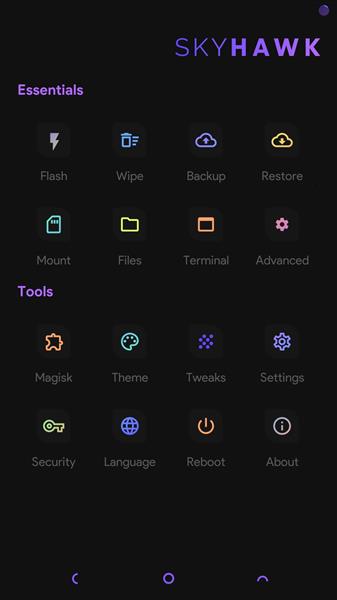
Unlocking an A7 Lite android tablet will give you power to perform any task that would otherwise be not possible. This includes ability to root and flashing different firmwares on the Galaxy A7 Lite tablet.

Samsung Galaxy Tab A7 Lite is a fantastic little tablet, but we all got to admit there’s way too much bloatware on it. A custom ROM is now available that has been pre-debloated, so you would not find any bloatware on it.

The process of OEM unlocking Samsung Galaxy Tab A7 Lite involves factory resetting the device so make sure you have backed up your data. Skip everything on the first boot setup including Wi-Fi settings.

If you have recently unlocked bootloader, you might have come across warning bootloader message that comes up every time you start your Galaxy Tab A7 Lite android tablet.

Want to root your Samsung Galaxy Tab A7 tablet? Follow these steps.