
If you dislike Samsung One UI, you can install something like AOSP ROM on your Tab A7 Lite that will do away with all Samsung stuff and give you plain Jane Google android experience.
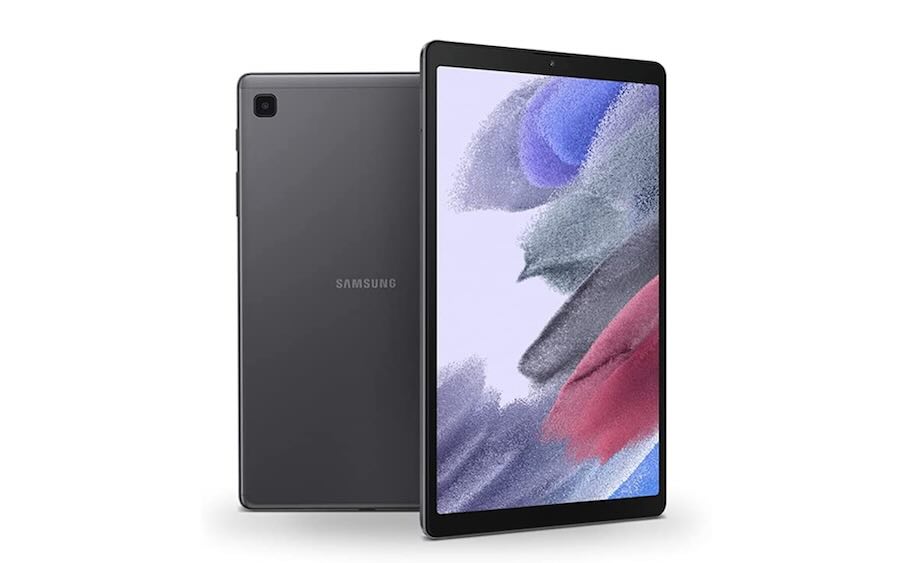
Before installing this, make sure you have unlocked bootloader, enabled OEM unlock, and install a custom recovery like TWRP on your Tab A7 Lite.
Here are the steps to install AOSP ROM on Samsung Galaxy Tab A7 Lite.
- Make sure the Tablet is Powered off and the USB Cable is unplugged
- Press and hold Power + Volume Up on the tablet
- Keep holding Power + Volume Up until the Samsung logo appears, then release both buttons.
- Once TWRP loads, Click Reboot and select Fastboot
- Once in Fastboot mode, plug the device into a PC
- Install the Google USB Driver (Unless you already have them installed)
- Open ADB & Fastboot++
- Type this
fastboot erase systemfastboot delete-logical-partition productfastboot flash system "C:\Full\Path\To\lineage-21.X-YYYYMMDD-UNOFFICIAL-arm64_bgN-signed.img"
(You can change this to whatever OS Image you want, as long as it has “arm64_b” in the name, also the last step can take some time as we are flashing a ROM here) - Click Reboot, select Recovery, then swipe to reboot
- Once TWRP loads, Click Wipe, click Format Data, type yes, then click next
- Wait for this to complete then click Reboot System.